Download Markdown
Best for copying commands, snippets, and config into notes, prompts, or docs
Download MarkdownTools
Print-ready cheat sheet for VS Code, organized for fast lookup, study, and desk-side use
Sample
Ctrl+P | Quick Open file by name |
Ctrl+Shift+P | Command Palette |
Ctrl+Shift+O | Go to symbol in file |
Ctrl+T | Go to symbol in workspace |
Ctrl+G | Go to line number |
F12 | Go to definition |
Alt+F12 | Peek definition |
Shift+F12 | Find all references |
Ctrl+Shift+\ | Jump to matching bracket |
Ctrl+Tab | Cycle through open tabs |
Ctrl+1 / 2 / 3 | Focus editor group 1 / 2 / 3 |
Ctrl+\ | Split editor |
Ctrl+B | Toggle sidebar |
Ctrl+J | Toggle bottom panel |
Download the full cheat sheet for all sections, formatted for print
Download PDFDownloads
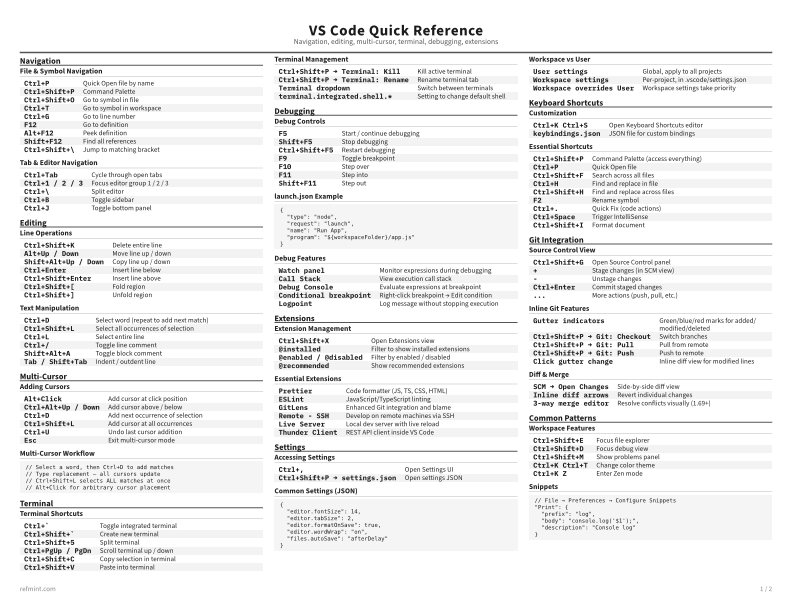
Recommended
B&W, ink-efficient. The default for laser printers and photocopies
Best for Printouts and desk-side reference
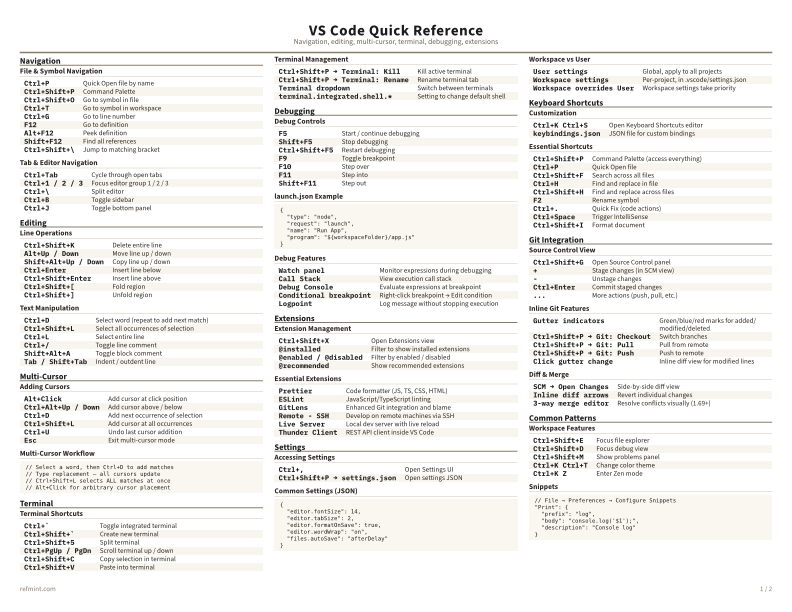
Warm color accents for on-screen reading or color printers
Best for Screen reading or color printers
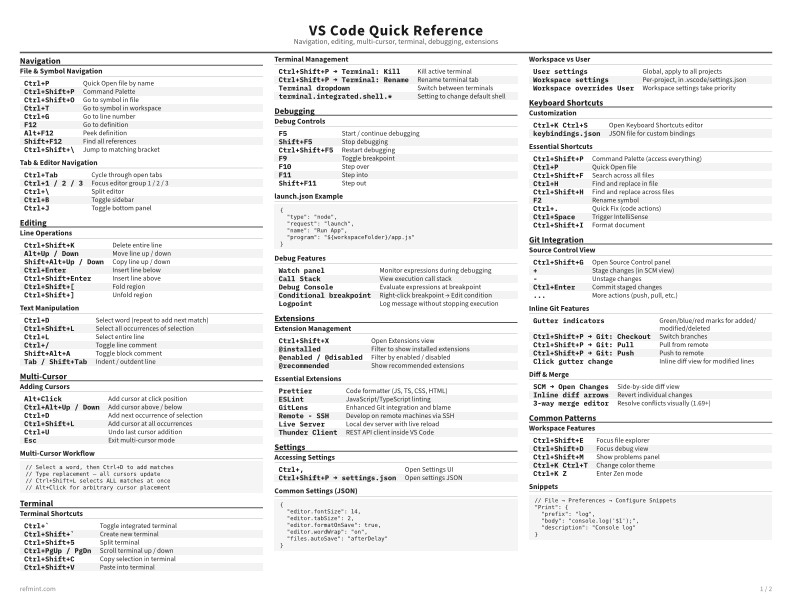
Maximum density, 4-column layout. Everything on one page
Best for Fast scanning and minimum paper use
Text formats
Download Markdown
Best for copying commands, snippets, and config into notes, prompts, or docs
Download MarkdownPreview
The web preview is for quick browsing. The PDF remains the authoritative print artifact
Open in Browser